
The till is not a separate tool. It is where a sale becomes real: payment, receipt, stock movement, today's revenue. When it lives in isolation, gaps pile up and tax audits become stressful.
AuraPro brings point of sale, inventory, invoicing and oversight into one web app. See also Retail & commerce for the full shop workflow.
Counter checkout
AuraPro POS is built for rush hour: product search, barcode scan, discounts, split payments, receipt or invoice — without leaving the sale flow.
Catalogue & scan
Find products in one click or by scanner — prices, VAT and variants already set.
Multiple payments
Cash, card, cheque, bank transfer — and split payment on one receipt.
Receipt or invoice
Counter receipt for consumers, invoice for businesses — same sale, same history.
Controlled discounts
Line or global discounts per seller permissions — traced and visible on the receipt.

Inventory synced on every sale
Every validated receipt updates inventory immediately. No more reconciling till and stock at night: shop floor and back room read the same quantity.
- Automatic decrement when the receipt is validated
- Low-stock alerts visible from POS and back office
- Quotes convertible to POS cart without re-entry
- Gift cards and loyalty built into checkout
Z closure and end of day
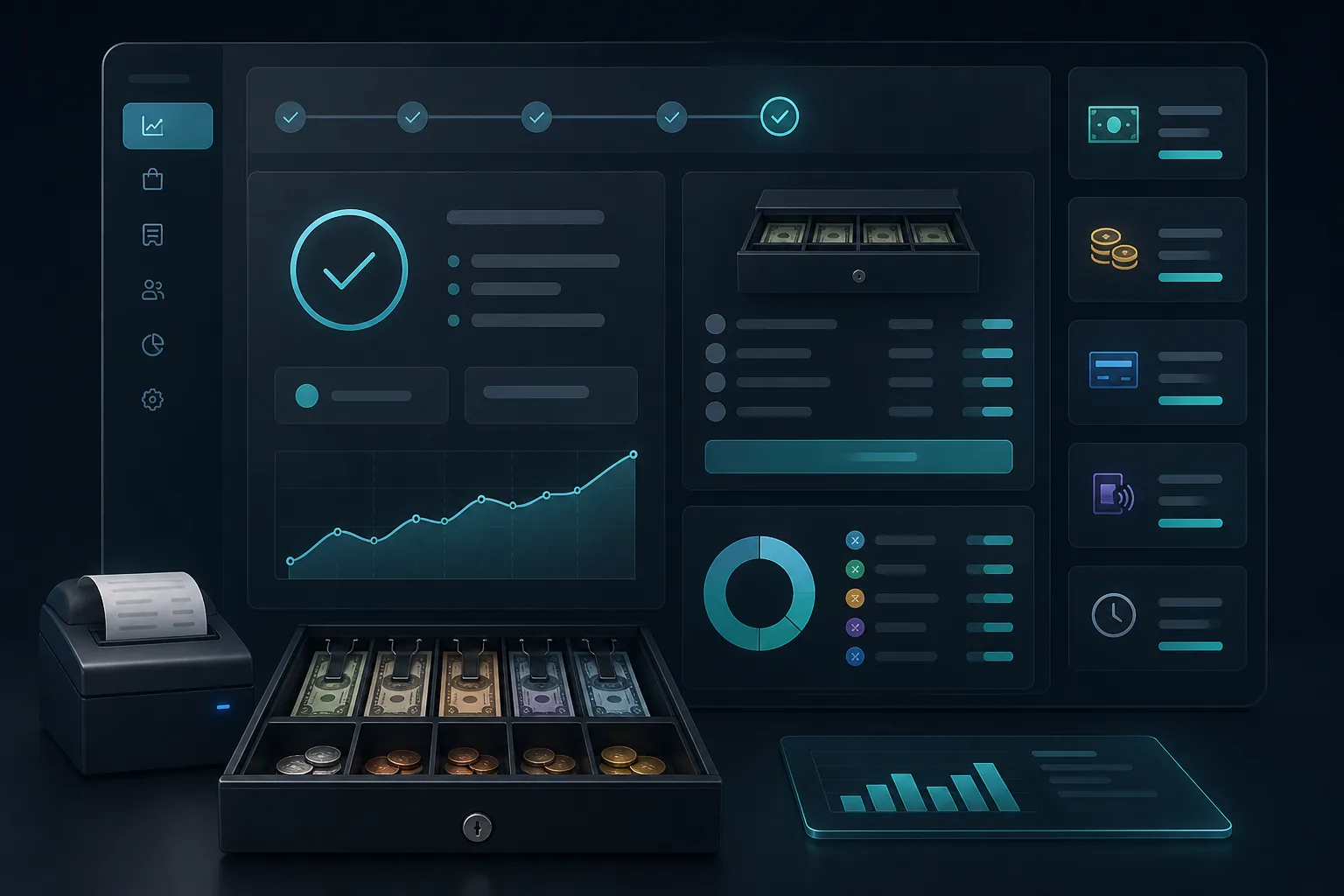
Z closure locks the day: totals by payment method, cash in drawer, any gaps. Period receipts are locked — every correction goes through a separate traced document.
Daily Z closure
Gross totals, cash and closure fingerprint — period locked and receipts sealed.
Fiscal archive
Monthly or annual ZIP export after period closure — manifest and integrity hashes.
Receipt printing
80 mm thermal receipt, A4 format or PDF email — VAT breakdown included.
Monthly report
POS revenue, VAT by rate and closure history — no spreadsheet.
POS self-certification: the four pillars
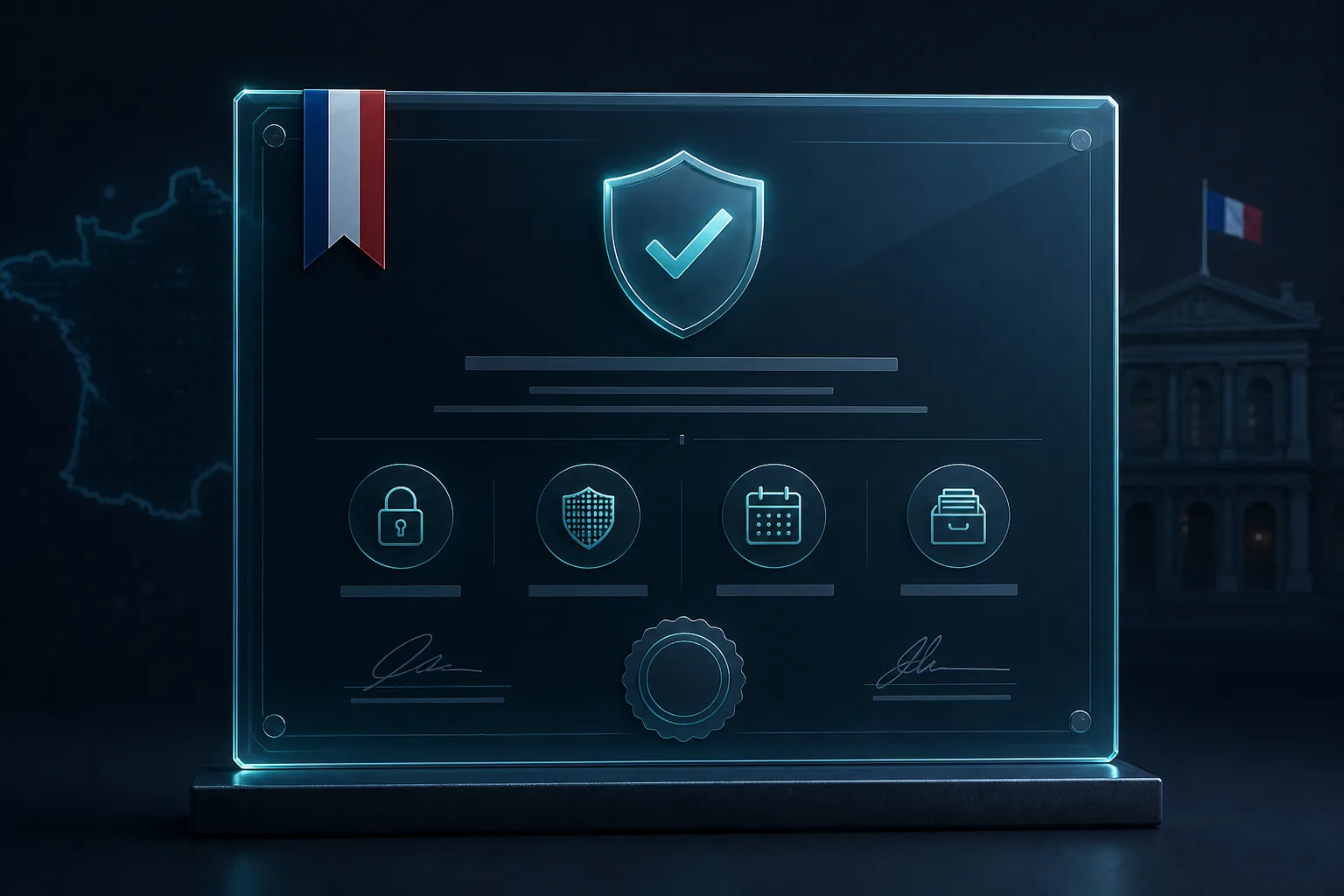
For a tax audit, retailers must show their till software meets the ISCA framework (immutability, security, retention, archiving). AuraPro provides a publisher self-certification attestation for local-mode POS — a signed, versioned PDF downloadable from point-of-sale settings.
This attestation is not NF525 or LNE homologation. It describes how AuraPro POS actually works and the guarantees implemented by publisher New Excellence.
Immutability
A recorded sale does not vanish. Corrections create a new document (credit note, correction entry) — never silent deletion.
Security
Mandatory login, role-based permissions, audit log and supervisor approval on sensitive actions.
Retention
Receipts, payments, closures and logs kept in the software — available at any time.
Archiving
Locked monthly and annual closures, timestamped ZIP archive with manifest and SHA-256 hashes.
Returns, corrections and traceability
A validated receipt is not "deleted": a return creates a separate POS credit note, a payment correction leaves a correction entry. After Z closure, period receipts are locked — per immutability requirements.
- Merchandise return on non-invoiced receipt → numbered POS credit note
- Payment correction with reason and supervisor PIN when required
- Suspended receipts to resume a cart later
- Receipt chaining and SHA-256 hashes per till
AuraPro POS is included in your subscription — no separate till module to buy, no paid chat. The self-certification attestation is available as soon as local point of sale is activated.
Frequently asked questions about AuraPro POS
Is AuraPro NF525 certified?
No. AuraPro provides a publisher self-certification attestation (ref. ASC-AURA-001) describing how local POS meets immutability, security, retention and archiving. Present it in audits under the applicable French framework — this is not NF525 or LNE homologation.
Where to download the self-certification attestation?
In AuraPro: open Point of sale, go to Settings > Compliance, then "Legal attestation / self-certification". The PDF is printable and signed by the publisher.
Does inventory update on every sale?
Yes, in real time when the receipt is validated. Low-stock alerts appear on POS and dashboard.
Multiple tills or sellers?
Yes. Each till has its own receipt sequence. Standard (3 users) and Premium (unlimited) plans cover multi-seller teams.
Does POS work offline?
Local mode records sales on your infrastructure; see POS documentation for the exact scope of your deployment.
Restaurant or retail?
POS fits both: see our Retail and Restaurant guides for sector workflows.